How Robot Vacuums Navigate Your Home
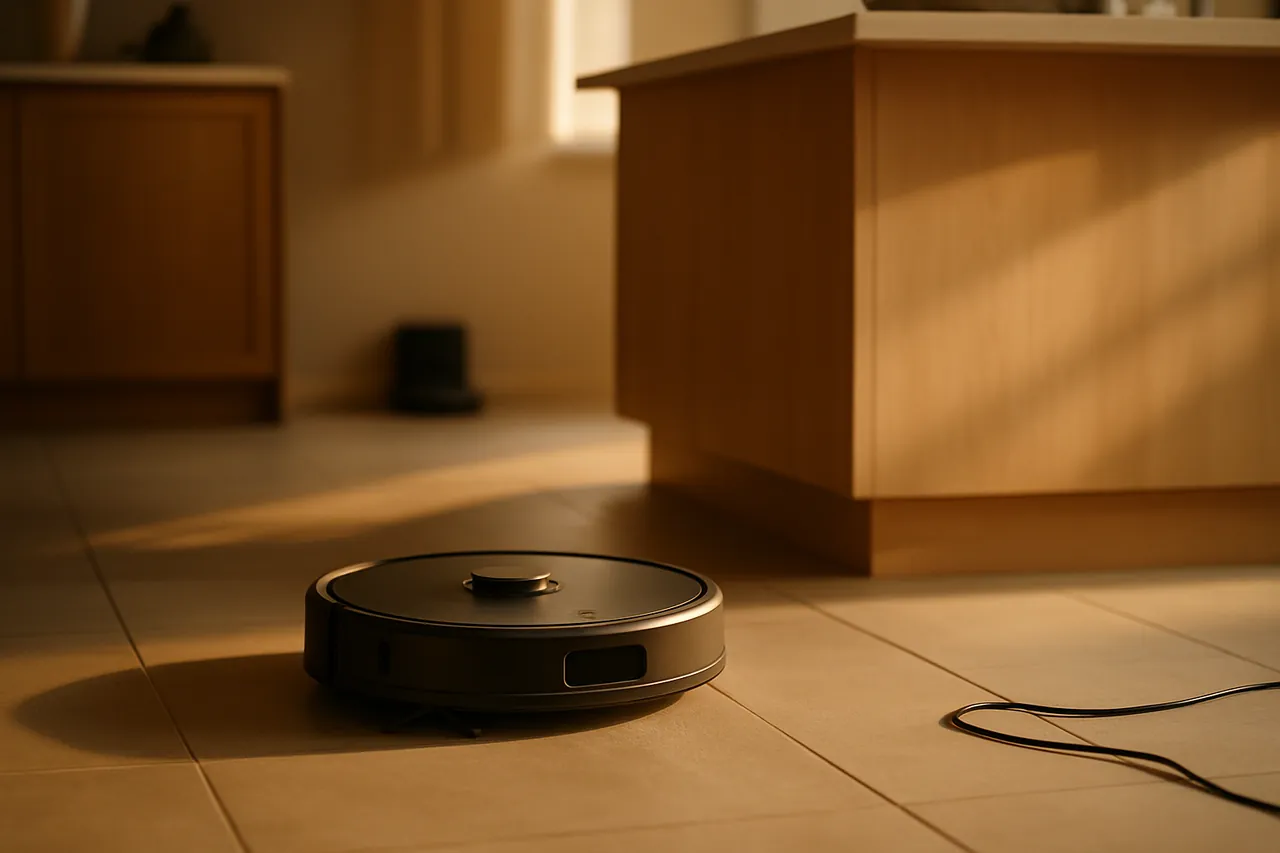
Suction gets the marketing budget, but navigation is what actually decides whether a robot vacuum cleans your whole home or bumps around the same three rooms until the battery dies. The gap between a cheap random-bounce robot and a flagship that maps every room, remembers it, and cleans in tidy rows comes down almost entirely to how it sees and where it thinks it is. This guide explains the real technology — LiDAR, cameras, gyroscopes, SLAM mapping and AI object recognition — in plain language, and shows you how to read the spec sheet without being misled. If you are still deciding whether the category is for you at all, start with best robot vacuums, then come back here to understand what you are paying for.
The core problem: a robot has to answer two questions at once
Every navigation system, from a $150 budget unit to a $1,500 flagship, is solving the same puzzle roboticists call SLAM — Simultaneous Localisation and Mapping. The robot has to build a map of a space it has never seen and work out exactly where it is on that map, both at the same time, while the map is still incomplete. Get localisation wrong and the robot 'thinks' it is in the kitchen while it is actually in the hall, so it cleans the wrong area and leaves gaps. Get mapping wrong and it never builds a stable plan, so it falls back to bouncing around at random.
Almost everything that separates a good robot from a frustrating one is how well it does SLAM in a real, cluttered, changing home — not in a tidy showroom. The sensor it uses to do that is the single most important thing on the box.
Random navigation: the old way, still sold cheap
The oldest and cheapest approach has no map at all. The robot drives in straight lines until it hits something, turns a semi-random angle, and drives again, relying on statistics: clean for long enough and most of the floor gets covered eventually. It is cheap because it needs no expensive sensors and almost no processing.
The downsides are exactly what you would expect. Coverage is uneven, the robot revisits some areas ten times and misses others entirely, runs are long and inefficient, and there is no app map, no room selection, and no no-go zones because the robot has no concept of the home as a place. If a sub-$200 model does not mention mapping, assume it is a random-navigation unit and judge it on that basis — for some small apartments that is genuinely fine, which is why we still recommend a few in best cheap robot vacuums that actually work.
Gyroscope and dead-reckoning navigation: the budget middle ground
A step up, common in the $200–$350 band, adds a gyroscope and wheel encoders. The gyroscope tracks the robot's rotation and the encoders count wheel turns, so the robot can estimate how far and which way it has travelled and drive in deliberate back-and-forth rows rather than bouncing. This is 'dead reckoning' — navigating by accumulated estimates of your own movement.
It is a real improvement: tidier rows, faster runs, often a basic app map. But errors accumulate. Every slipped wheel on a rug, every nudge over a threshold, adds a small mistake that is never corrected, so by the end of a large home the robot's idea of where it is can drift well off reality. It works well in small, mostly single-level homes and gets shakier as square footage grows — the trade-off we weigh in best budget robot vacuums under $300.
LiDAR navigation: the current gold standard
Most strong mid-range and premium robots now use LiDAR — a small spinning laser turret, usually the raised puck on top. It fires laser pulses in a 360° sweep many times a second and times how long each reflection takes to return, building a precise distance map of every wall and large object around it. From that the robot constructs an accurate floor plan and, crucially, constantly re-checks its position against fixed landmarks, so errors get corrected instead of accumulating.
- Works in complete darkness — it makes its own light, so it cleans reliably under furniture and at night
- Highly accurate maps, with clean room boundaries the app can divide into selectable rooms
- Supports the features people actually want: saved multi-level maps, room-by-room cleaning, no-go zones, virtual walls and recharge-and-resume
- Efficient, repeatable rows that cover the whole floor in roughly one pass
LiDAR's one real weakness is that a laser sees shapes, not meanings. It knows a sock-sized object is there but not that it is a sock — so on its own it will still try to push a charging cable or a stray toy. That gap is exactly what camera and AI systems exist to close. For homes where mapping reliability matters most, see best robot vacuums for smart mapping.
Camera and visual (vVSLAM) navigation
Some robots navigate primarily with a camera instead of a laser, using visual SLAM: the robot recognises and tracks visual features — corners, edges, light fixtures, furniture outlines — across frames and triangulates its position from how they shift as it moves. Done well, vSLAM builds rich maps and feeds the same camera into obstacle recognition.
The catch is light. A pure-camera robot needs enough ambient light to see, so performance can drop in a dim room or under a bed unless the unit adds a small lamp or a secondary sensor. Many of the best modern robots now combine LiDAR for structural mapping with a camera for object recognition — getting the laser's reliability and the camera's understanding together.
AI object recognition: the layer that avoids real-world messes
This is the newest and most visible advance, and the reason flagship robots stopped eating cables and smearing pet accidents across the floor. A front camera feeds a trained model that classifies what it sees — cords, shoes, socks, toys, pet waste, furniture legs — and the robot steers around flagged objects rather than treating everything as an anonymous wall. Better systems photograph obstacles for the app so you can see what it avoided and why.
It is not perfect; recognition can miss small or unusual items and varies a lot by brand and lighting. But on capable units it is the difference between a robot you can run unattended and one you have to tidy the floor for first. We go deep on which models actually deliver this in best robot vacuums that avoid obstacles and cords.
Mapping features that depend on good navigation
Navigation quality is not abstract — it directly unlocks the conveniences buyers actually shop for. None of these work reliably on a robot with weak localisation:
- Saved multi-floor maps — carry the robot upstairs and it recognises the level and cleans the right plan. Essential for large and multi-level homes.
- Room-by-room and zone cleaning — 'clean only the kitchen' or 'clean under the dining table' from the app
- No-go zones and virtual walls — keep it out of the pet bowls or a cable nest without physical barriers
- Recharge and resume — return to base, recharge, and continue exactly where it left off rather than restarting
- Targeted spot cleaning — send it to a specific spill by tapping the map
How to read the spec sheet without being misled
Brands describe navigation in deliberately fuzzy language. Translate it before you buy:
- 'Smart navigation' / 'precision navigation' with no named sensor — usually gyroscope-level. Fine for small homes, not for large ones.
- 'Laser navigation' / 'LDS' / 'LiDAR' — the genuine mapping tier; expect saved maps and room selection.
- 'AI obstacle avoidance' / 'reactive obstacle recognition' — camera-plus-AI; quality varies enormously, so weight independent real-world reports over the spec.
- No mention of mapping at all — assume random navigation and price it accordingly.
Why navigation matters more than suction for real-world cleanliness
It is tempting to shop on the suction figure because it is a single big number, but in day-to-day use navigation is the more decisive spec. Suction determines how much a robot lifts on the patch of floor it is currently on. Navigation determines whether every patch of floor gets visited at all, how often, and how efficiently. A 4,000 Pa robot that loses its place and leaves a third of the room untouched produces a dirtier home than a 2,500 Pa robot that methodically covers everything every single day.
There is a compounding effect, too. A robot that navigates well finishes faster, so it cleans more reliably on a schedule, so dirt never accumulates, so each individual pass has less to do — and lighter soiling is exactly where modest suction is more than enough. Good navigation effectively makes suction matter less. This is why our hands-on evaluation weighting, described across the best robot vacuums hub, treats coverage consistency and map stability as first-order, not a tie-breaker.
How we got here: a short history of robot navigation
The category's reputation was set by its first decade, and a lot of buyer skepticism still dates from it. Early robots were pure random-bounce: cheap, dumb, and genuinely frustrating, which is where the 'they just bump around and miss everything' impression comes from. Gyroscope dead-reckoning made them tidier but still drift-prone. The real inflection point was affordable LiDAR — once a reliable spinning laser dropped into the mid-range, robots could finally hold an accurate map and stop getting lost, and the experience changed from novelty to appliance.
The most recent shift is AI object recognition layered on top of LiDAR. That is what turned 'run it when you can supervise it' into 'run it while you are at work' — the robot stopped strangling itself on cables and spreading the messes it was supposed to clean. If your mental model of robot vacuums is more than a few years old, it is almost certainly out of date in exactly the area that matters most.
Frequently asked questions
How do robot vacuums know where to go?
Capable models build a map of your home and continuously track their own position on it — a process called SLAM (Simultaneous Localisation and Mapping). They sense the space with a spinning LiDAR laser, a camera, or a gyroscope-and-wheel system, then plan efficient rows and remember the layout between cleans. Cheaper models skip mapping entirely and rely on semi-random bouncing.
Is LiDAR or camera navigation better in a robot vacuum?
LiDAR is more reliable for mapping and works in total darkness, which is why it is the current gold standard for whole-home coverage. Cameras add the ability to recognise what objects are, enabling true obstacle avoidance, but need adequate light. The best modern robots combine both: LiDAR for the map, a camera for object recognition.
Do robot vacuums work in the dark?
LiDAR-based robots work perfectly in the dark because the laser provides its own light, so they clean reliably under furniture and overnight. Pure-camera robots can struggle in dim rooms unless they include a built-in light or a secondary sensor.
Why does my robot vacuum miss areas or clean the same spot repeatedly?
That is the signature of weak localisation — the robot has lost track of where it is on its map, or it has no map at all. It is most common on random-navigation and gyroscope-only models, and worsens in larger homes where small position errors accumulate. LiDAR models correct these errors continuously, so coverage stays even.
Does better navigation actually clean better?
Indirectly but significantly. Suction determines how much it lifts in a single pass; navigation determines whether every part of the floor gets that pass at all. A strong-suction robot with poor navigation leaves whole areas untouched, so for real-world cleanliness navigation quality is at least as important as suction.
Related guides
Get our weekly tested picks
Practical maintenance tips and lab-tested recommendations, straight to your inbox.