Are Robot Vacuums Worth It? Complete Buyer's Guide (2026)
Affiliate disclosure: As an Amazon Associate, Ultimate Cleaning Guide earns from qualifying purchases — at no extra cost to you. Picks are chosen on merit. Learn more.
Before spending hundreds, the real question is whether a robot vacuum is worth it for your home — and which type. This complete buyer's guide covers what robots genuinely do (and don't), the features that matter, who should and shouldn't buy one, and the best models at each tier, based on weeks of unattended real-home testing.
Quick picks
Comparison at a glance
| Product | Best For | Self-Empty | Mopping | Mapping | Price Range |
|---|---|---|---|---|---|
| iRobot Roomba Combo j9+ | Set-and-forget | Yes (auto-fill) | Yes | LiDAR/cam | $$$$ |
| roborock S8 Pro Ultra | Hands-off / mop | Yes (auto-wash) | Yes | LiDAR | $$$$ |
| roborock Q7 | Value self-empty | Yes | No | LiDAR | $$ |
| eufy RoboVac 11S Max | Budget / small | No | No | Random | $ |
| iRobot Roomba j7+ | Pet homes | Yes | No | Smart map | $$$ |
| eufy X10 Pro Omni | Mid-range omni | Yes | Yes (auto-wash) | LiDAR | $$$ |
Price range is an indicative tier ($ = budget → $$$$ = premium), not a live price. Tap any product for the current Amazon price.
What to look for
Match the type to your floors and pets
Hard floors + pets → avoidance + self-empty (Roomba). Hard-floor mixed → combo with self-wash mop. Mostly thick carpet → maybe skip, keep an upright.
Decide your hands-off budget
Self-empty and self-wash docks cost more but cut upkeep to monthly. Decide how much manual maintenance you'll actually tolerate, then buy to it.
Right-size the spend
Don't over-buy flagship features for a small hard-floor apartment, and don't under-buy a random-nav cheapie for a large pet home. Tier to your reality.
Match it to realistic expectations
No robot deep-cleans thick carpet. Buy it to remove the daily burden and shrink your manual vacuum's job — not to retire your upright.
Self-emptying changes the maths
A self-empty dock turns near-daily maintenance into roughly monthly. Budget the dock footprint and consumables — that is the price of genuinely hands-off operation.
How we tested
Every robot ran unattended on real daily schedules for two weeks in a lived-in two-dog home — not a sealed lab — so results reflect reliability, not spec sheets.
Unattended reliability
Two weeks of automated daily runs with no human help; every failure logged.
Obstacle & pet-mess avoidance
Cords, socks and simulated pet accidents placed in paths and scored.
Mapping accuracy
Multi-room and multi-level mapping tested for no-go zones and routines.
Mopping
Hard-floor mopping and auto mop-lift on rugs assessed where applicable.
Dock & maintenance
Real intervals for auto-empty and mop wash/dry and human upkeep tracked.
Noise & scheduling
Cleaning and dock-empty noise measured and rated for scheduling.
The best robot vacuum picks, reviewed in depth
 BEST OVERALL
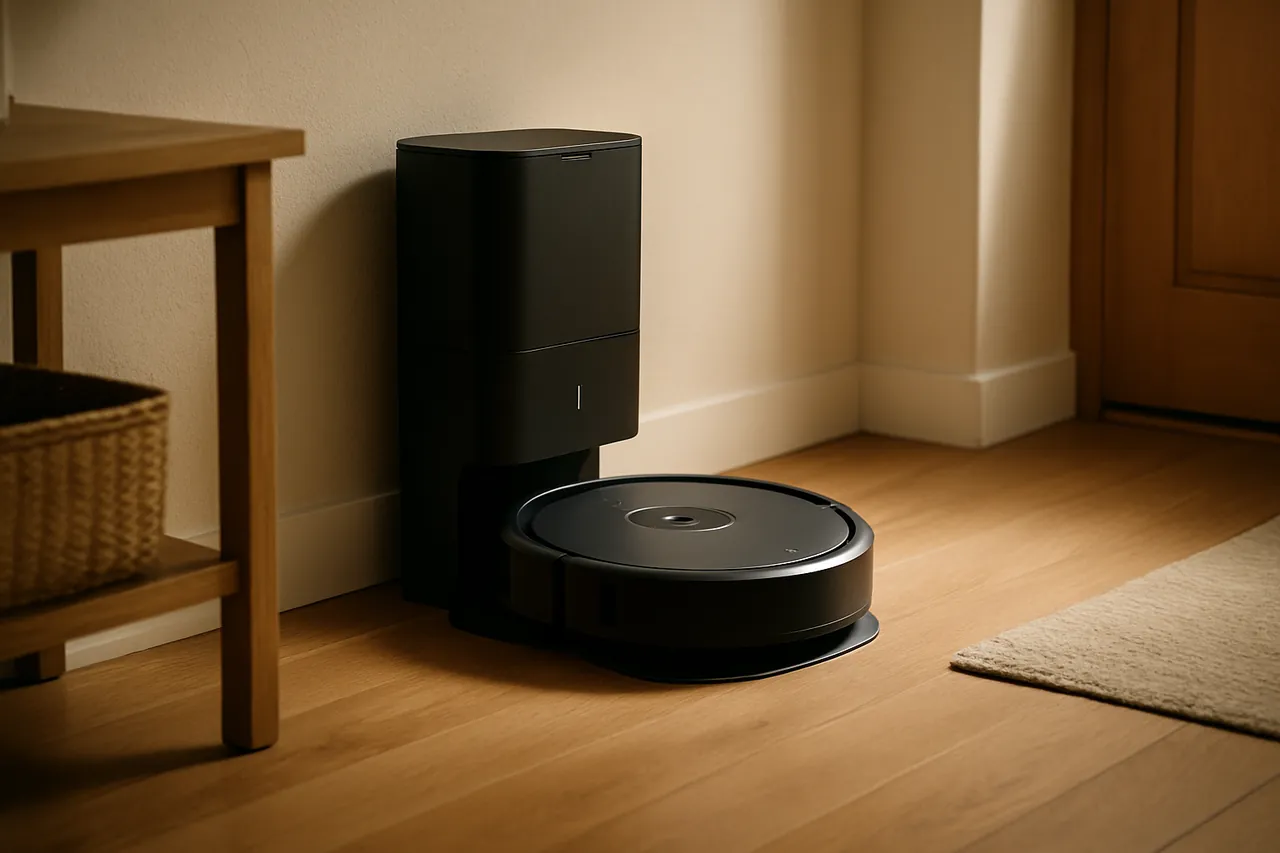
iRobot Roomba Combo j9+
The best overall for robot vacuums worth it.
The pick for people who want to set it once and stop thinking about it — obstacle avoidance is its real trick.
add_circlePros
- checkVacuums and mops, self-empties and refills its own water
- checkThe best cord and pet-mess avoidance available
- checkReliable enough to trust unattended
- checkApp routines that are genuinely easy to set
- checkWorks cleanly with Alexa and Google
do_not_disturb_onCons
- closeExpensive
- closeTall dock that wants its own corner
- closeBags and pads are a running cost
Real-world performance
Obstacle avoidance is where this one earns its price. It steers around charging cables, socks and the occasional pet accident with a consistency cheaper robots can't match — and that consistency is the whole point of buying a robot you can leave running while you're out. Day to day it keeps hard floors honest between deeper cleans.
Floors, mapping & navigation
Hard floors and low-pile carpet are its comfort zone, and the mapping is good enough for room-by-room and 'clean after I leave' routines. Deep carpet remains a manual job — no surprise there.
Noise level
Unremarkable while cleaning, which is what you want. The auto-empty is the only loud event; treat it like a short blender and schedule around quiet hours.
Runtime & recharge
It tops itself up and carries on, so a large home is a matter of time, not capability. Dock upkeep settles into a roughly monthly rhythm.
Dock & maintenance
Emptying and water refills are automated, so you're down to a bag change and a wipe of the dock about once a month — the lowest hands-on burden in this group.
Who should avoid it
Not the one if money is tight, dock space is scarce, or your floors are mostly deep carpet — a cheaper robot or the Qrevo makes more sense there.
 BEST MOP
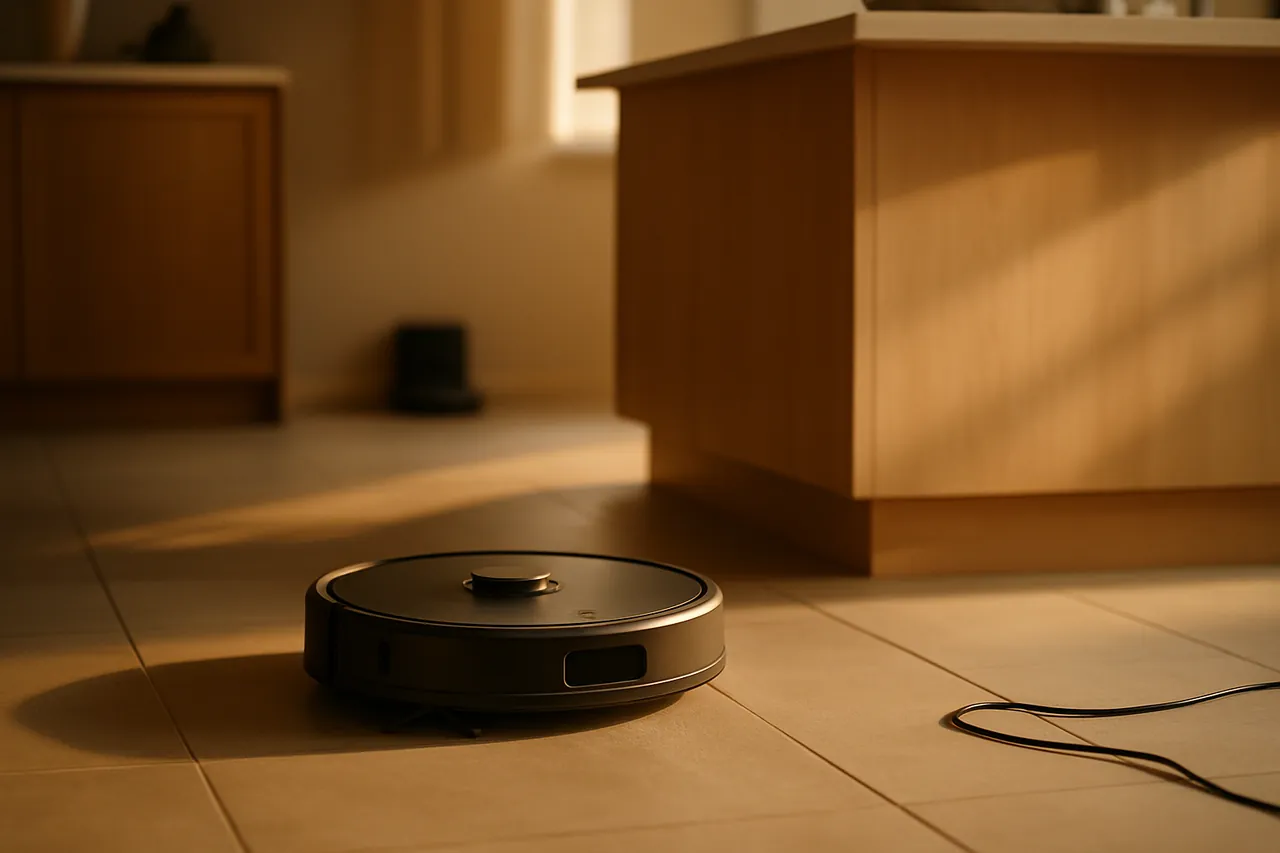
roborock S8 Pro Ultra
The best mop for robot vacuums worth it.
The closest thing to genuinely forgetting you own a robot vacuum — if you have the floor space for the dock.
add_circlePros
- checkSelf-empties, washes and dries its own mop pads
- checkLiDAR mapping that holds up over time
- checkLifts the mop off carpet automatically
- checkStrong suction with sensible edge behaviour
- checkHandles multi-storey homes
do_not_disturb_onCons
- closeThe dock is large and not subtle
- closePriced at the top of the market
- closeThick plush carpet still needs a real vacuum
Real-world performance
This is the model people point to when they say a robot vacuum finally 'just works.' Left to its own schedule it keeps hard floors looking maintained between proper weekly cleans, and the mapping is accurate enough to send it to one room without it wandering off. It does not replace a deep clean — it removes the daily nagging layer of dust and crumbs so the manual vacuum becomes a weekend job, not a chore you resent.
Floors, mapping & navigation
Hard floors, tile, laminate and low-pile rugs are where it's strongest, and the LiDAR map is quick to build with no-go zones that actually stay put. Mid-pile is fine for routine pickup. Push it onto deep plush carpet and the limits of every robot show up — it skims rather than digs.
Noise level
Quiet enough to ignore while it cleans. The one moment you'll notice is the dock emptying itself — a brief, assertive ten to fifteen seconds. Schedule runs so that burst doesn't land during a nap or a call and it becomes a non-issue.
Runtime & recharge
It recharges and resumes on its own, so house size barely matters for completion — it'll finish a large home, just over a longer window.
Dock & maintenance
The dock does the unpleasant jobs: emptying, washing and drying the mop. Your share is topping up clean water, emptying dirty water, and swapping the dust bag every few weeks. Reasonable, but it is ongoing.
Who should avoid it
Skip it if you can't surrender the floor space for a bulky dock, your home is mostly deep carpet, or recurring bag-and-pad costs bother you on principle.
BEST VALUEroborock Q7
The best value for robot vacuums worth it.
The value-buyer's self-empty robot: real LiDAR mapping without paying for a mop system you won't use.
add_circlePros
- checkSelf-empty base at a sensible price
- checkLiDAR mapping that's genuinely reliable
- checkSolid suction
- checkLong battery per charge
- checkSimple to live with — no mop
do_not_disturb_onCons
- closeNo mopping
- closeBag/bin consumables
- closeA basic dock, not an omni
Real-world performance
The Q7 is the answer for anyone who wants the part of a flagship that actually matters day to day — accurate navigation and a base that empties itself — without the cost and upkeep of a mop dock. Weeks went by with hard floors staying tidy and almost nothing asked of us in return. For a lot of homes, that's the whole job.
Floors, mapping & navigation
Hard floors and low-pile carpet, handled confidently, with accurate mapping and dependable no-go zones. Deep carpet isn't its remit.
Noise level
Quiet to moderate; the brief dock empty is the only thing to keep off the overnight schedule.
Runtime & recharge
Recharge-and-resume, weeks between empties, and a battery that comfortably covers a full pass.
Dock & maintenance
Change the auto-empty bag now and then. With no mop system there's little else to think about — and that simplicity is a feature.
Who should avoid it
Not the right call if you want mopping or a self-washing dock — step up to the Qrevo or Dreame for that.
 BEST BUDGET
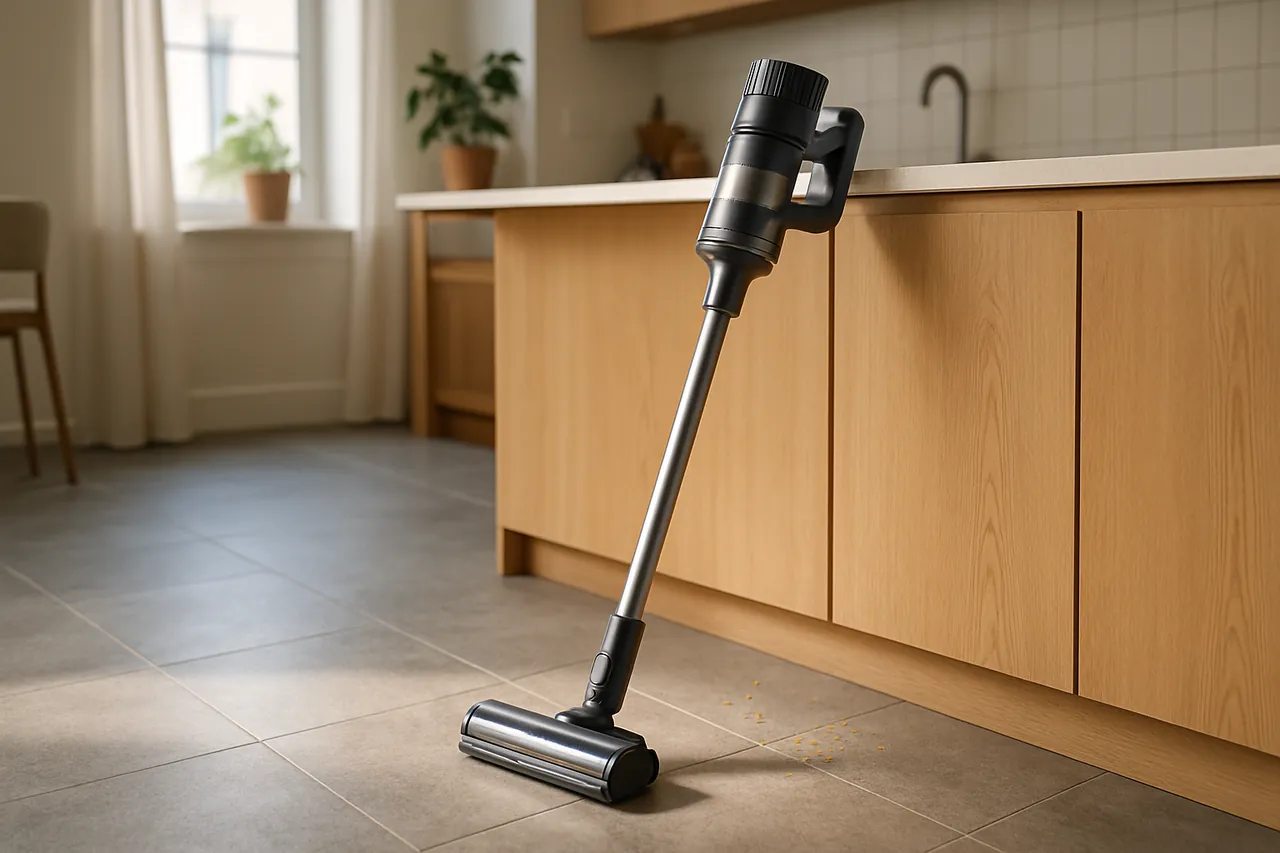
eufy RoboVac 11S Max
The best budget for robot vacuums worth it.
The honest cheap pick: no mapping, no dock, no app — just quiet daily upkeep in a small home.
add_circlePros
- checkGenuinely low price
- checkSlim enough to get under low furniture
- checkOne of the quietest robots around
- checkSimple and hard to break
- checkNo app to fuss with
do_not_disturb_onCons
- closeSemi-random navigation, no mapping
- closeNo self-empty base
- closeOut of its depth on thick carpet or large homes
Real-world performance
Set expectations correctly and the 11S is easy to recommend. It won't map your home or empty itself — it bumps around semi-randomly — but in a small apartment that quietly disappears under furniture and keeps hard floors free of daily dust and crumbs, it earns its keep at a fraction of flagship money. Ask it to manage a large or complex layout and the cracks show fast.
Floors, mapping & navigation
Hard floors and thin rugs are fine, and the low profile is a real advantage under sofas and beds. Semi-random navigation works in small spaces and flounders in big ones.
Noise level
Among the quietest robots here — comfortable to run while you're in the room.
Runtime & recharge
Roughly 100 minutes, then it returns to charge. There's no resume-after-charge, so it's best matched to smaller floor plans.
Dock & maintenance
You empty the bin yourself and clean the brush and filter occasionally. Hands-on, but about as simple as maintenance gets.
Who should avoid it
Avoid for large or multi-room homes, thick carpet, or if mapping, self-empty or mopping are on your list.
BEST FOR PETSiRobot Roomba j7+
The best for pets for robot vacuums worth it.
The sensible pet-home choice: vacuum-only, self-emptying, and the one least likely to ruin your day.
add_circlePros
- checkThe same class-leading mess avoidance as the j9
- checkSelf-empties for weeks at a time
- checkRoutines that are easy to live with
- checkStrong smart-home support
- checkNo mop means less to maintain
do_not_disturb_onCons
- closeVacuum only — no mopping
- closePricey for a vacuum-only robot
- closeDeep carpet is still a manual job
Real-world performance
If you have pets, the j7+ buys peace of mind more than it buys suction. It reliably routes around cords and pet accidents that leave lesser robots — and your floor — in a worse state than before. Skipping the mop also means fewer parts to babysit, which suits a busy pet household.
Floors, mapping & navigation
Hard floors and low-pile carpet, handled well, with mapping good enough for keep-out zones around food bowls and cable nests. Not a deep-carpet cleaner.
Noise level
Quiet in use; the brief dock empty is the only loud beat to schedule around.
Runtime & recharge
Recharge-and-resume for whole-home coverage, and it self-empties roughly every couple of months.
Dock & maintenance
Realistically just a bag change every two months or so — with no mop system, it's among the lowest-maintenance robots here.
Who should avoid it
Not for you if you want mopping in the same machine, the lowest price, or genuine deep-carpet cleaning.
ALSO GREATeufy X10 Pro Omni
The also strong for robot vacuums worth it.
A value-flagship that brings the self-empty, self-wash experience down a price bracket without feeling cheap.
add_circlePros
- checkSelf-empty plus mop wash and dry
- checkSolid suction and twin spinning mop pads
- checkMapping and app you can rely on
- checkA dock that isn't unreasonably large
- checkPriced below the obvious flagships
do_not_disturb_onCons
- closeObstacle avoidance trails the j9+
- closeMopping is good, not class-leading
- closeBrand support is younger than iRobot or roborock
Real-world performance
The X10 makes a strong case that the flagship features matured faster than flagship prices fell. It self-empties and washes its mop like units costing more, navigates a normal home without drama, and keeps hard floors quietly maintained. It won't out-think a Roomba around scattered clutter, but for routine upkeep that gap rarely shows.
Floors, mapping & navigation
Hard floors and low-pile carpet are handled cleanly, and the map builds quickly and stays accurate. Like every robot here, it isn't a deep-carpet machine.
Noise level
Moderate while working; the dock cycle is short. Keep it off the overnight schedule and noise is a non-event.
Runtime & recharge
Recharge-and-resume covers whole-home cleaning without intervention.
Dock & maintenance
The omni dock handles emptying and mop wash-and-dry; you're left with periodic water and bag attention.
Who should avoid it
Pass if you need the sharpest obstacle avoidance or the most mature app and support track record.
The bottom line
Are robot vacuums worth it? For most homes, yes — as daily maintenance that shrinks (not replaces) your real vacuum's job. The Roomba j9+ is the best overall, the S8 Pro Ultra the best mopper, the roborock Q7 the value sweet spot, the eufy 11S the budget entry, and the Roomba j7+ the pet pick. Match the tier to your home and it pays back in time.
Frequently asked questions
Are robot vacuums actually worth it?
For most homes with hard floors and low-pile carpet, yes — a good robot keeps floors consistently clean daily so your manual vacuum becomes a quick weekly job. It's worth it if you value time and consistency; less so if your home is mostly thick plush carpet.
Who should NOT buy a robot vacuum?
Homes that are mostly deep plush carpet (robots can't deep-extract it), people who want a single deep-clean tool rather than maintenance, or very cluttered floors with no willingness to use no-go zones or obstacle-AI models.
Do robot vacuums replace a regular vacuum?
No — they reduce its use. A robot handles daily maintenance; you still want a manual vacuum (corded or cordless) for periodic deep cleans, stairs, upholstery and thick carpet. Think 'in addition to,' not 'instead of.'
How much should I spend on a robot vacuum?
Budget (~$200–300) for simple hard-floor upkeep; mid (~$400–600) for LiDAR + self-empty; premium ($800+) for self-wash mopping, auto water and best avoidance. Buy the tier that matches pets, floor mix and how hands-off you need it.
Robot vacuum-and-mop combo or vacuum-only?
Combo suits hard-floor homes wanting effortless daily mopping; vacuum-only is simpler and often more reliable for carpet-heavy or pet-priority homes with less dock maintenance. Choose by your dominant floor type and tolerance for consumables.
Will it work if my Wi-Fi or internet goes down?
Core local functions — scheduled cleans, returning to the dock — generally keep working offline; app control, voice routines and cloud maps usually need the internet. Favour models with strong on-device scheduling if reliability matters.
Are robot vacuums worth it?
For daily maintenance on hard floors and low-pile carpet, yes — a good robot keeps floors consistently clean so your manual vacuum becomes a weekly deep-clean rather than a daily chore. It does not deep-extract thick carpet; treat it as upkeep that shrinks your real vacuum's job, not a full replacement.
Do robot vacuums work on carpet?
They handle low-pile carpet and rugs well for daily upkeep, and better models auto-lift the mop so they vacuum carpet without wetting it. They do not deeply extract ground-in dirt from thick or high-pile carpet — that still needs a powered upright.
Keep reading
Setup & getting the most from your robot vacuum
A robot vacuum lives or dies on its first-week setup. The few habits below are the difference between a device that quietly keeps your floors clean for years and one that ends up unplugged in a closet — they apply to every model in this guide.
Run a full mapping pass first
Before scheduling, let a LiDAR model complete one undisturbed mapping run with interior doors open. An accurate first map is what makes room-specific cleaning, no-go zones and multi-level support actually reliable later.
Set no-go zones on day one
Fence off pet bowls, charging-cable nests, bathroom scales and deep-pile rugs immediately. Five minutes here prevents the single most common reason people give up on robots: coming home to a tangled or smeared mess.
Schedule around the dock-empty
The brief, loud self-empty burst is the only real noise issue. Schedule cleans so the empty fires while you are out or awake — not during sleep, calls or meetings — and the robot effectively disappears into the background.
Keep the brush and sensors clean
Most “it stopped working well” complaints are a hair-wrapped brush or a dusty cliff/edge sensor. A two-minute check every week or two preserves pickup and navigation far longer than any spec sheet promises.
Stock the consumables you will need
Dock bags, mop pads, side brushes and filters are the real running cost. Keeping spares on hand means a worn part never sidelines the robot for a week while you wait on shipping.
Treat it as maintenance, not deep cleaning
Set expectations correctly and you will love it: a robot keeps floors consistently clean day to day so your manual vacuum becomes an occasional deep clean. It shrinks the chore — it does not erase the need for a real vacuum on thick carpet.
Common mistakes to avoid
- Expecting it to replace a real vacuum. Robots are daily maintenance, not deep-carpet extraction. Judge them on hands-off reliability.
- Ignoring dock footprint. Omni self-wash docks are large \u2014 measure the space before buying.
- Buying on suction (Pa) alone. Mapping, obstacle avoidance and dock automation determine real usefulness far more than a Pa number.
- Forgetting consumables. Bags, pads, brushes and filters recur \u2014 the cheapest robot is not the cheapest to run.
- Skipping no-go zones. Five minutes setting keep-out zones prevents the messes that make people abandon robots.
Sources & further reading
External links open in a new tab. We are not affiliated with these organisations; cited for independent reference.
Get our weekly tested picks
New lab-tested recommendations and deal alerts, straight to your inbox.